Drag the portrait to reposition it ·
Make a photo mosaic portrait
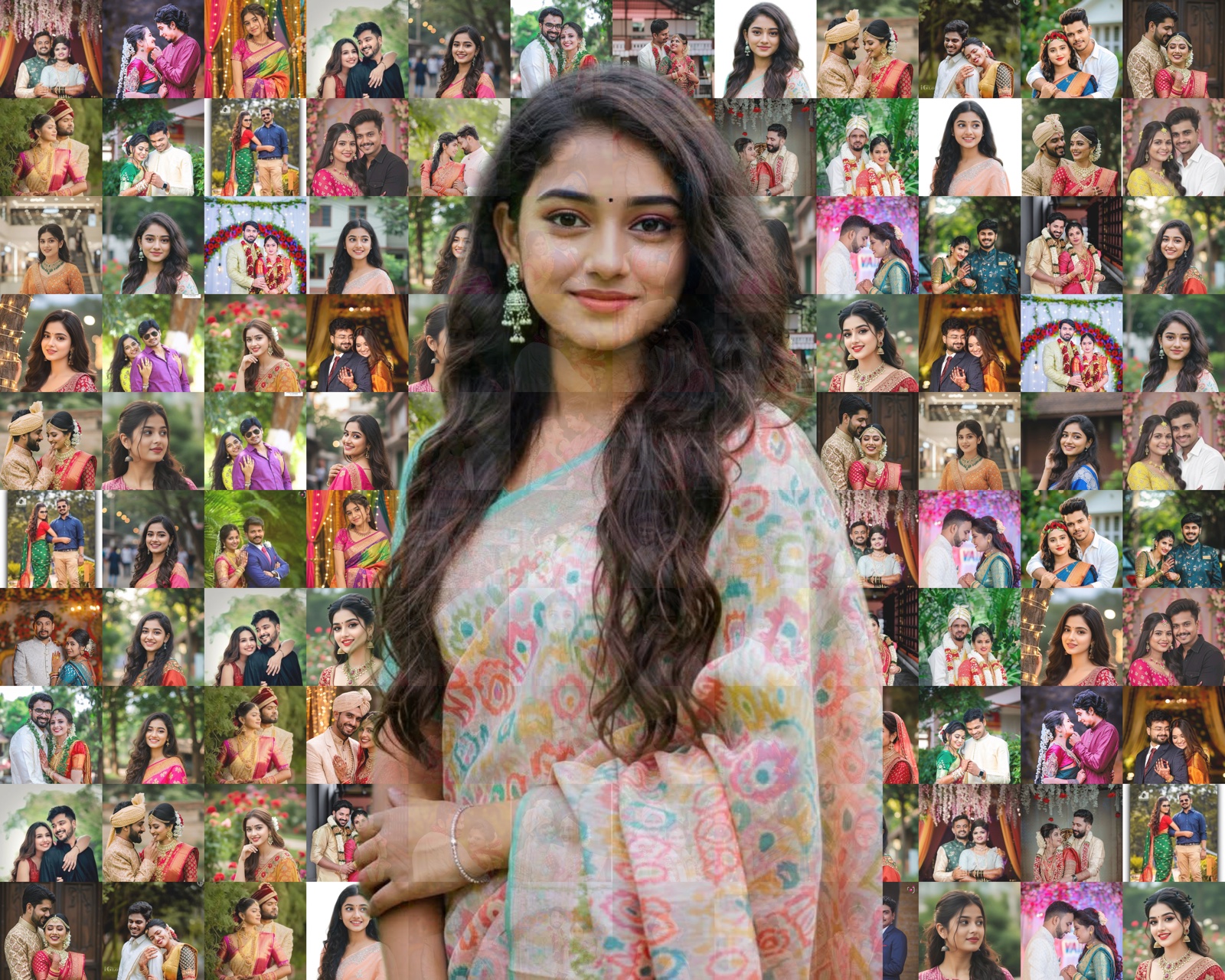
Use a collection of personal photos to create a tiled portrait. Upload memory photos and a transparent PNG portrait, choose the print dimensions, and adjust photo texture, portrait size and grid density. The preview updates as you work, and you can download a 300 DPI PNG.
How to make a photo mosaic online
- Upload memory photos. Choose a varied collection to use as the small images in your photo mosaic.
- Add the main portrait. Upload a transparent PNG of the person or subject you want the finished mosaic to show.
- Choose the print size and photo grid. Select portrait or landscape dimensions, then choose 80, 180 or 320 tiles to balance larger individual photos with finer mosaic detail.
- Adjust and preview. Use the Clear, Balanced or Mosaic appearance preset, fine-tune portrait size and outside brightness, and reposition the portrait in the preview. The face option helps keep faces visible in tiles.
- Download your print file. When the design is ready, download the 300 DPI PNG. An active FotoMitra Premium subscription is required for download.
Choose a photo grid for your print
The 80-tile grid uses larger photos, 180 tiles gives a balanced layout, and 320 tiles uses smaller photos for a finer pattern. The best setting depends on your chosen print dimensions, the photos you upload and the level of detail you want. Review the live preview before downloading.
Photo mosaic or photo collage?
A photo mosaic uses many small photos as tiles that form one larger portrait. A photo collage arranges photos as separate images in a designed layout. Use the mosaic maker for a tiled portrait, or explore FotoMitra’s editable photo collage templates when you want a multi-photo design.
Print sizes and file output
Choose from 12 × 15 or 16 × 24 inch portrait sizes, or 15 × 12 or 24 × 16 inch landscape sizes. The studio prepares a 300 DPI PNG at the selected dimensions. Confirm the size and composition in the preview before sending the file to print.
Photo mosaic maker questions
What images do I need to make a photo mosaic?
Upload memory photos for the tiles and a transparent PNG for the main portrait. The photo counter shows how many memory photos are loaded and how many tiles are selected.
Can I make a mosaic for different frame sizes?
Yes. Choose one of the available print sizes and orientations in the studio, then check the preview before downloading the PNG.
Do I need FotoMitra Premium to download?
Yes. You can prepare and preview the design in the studio, but an active FotoMitra Premium subscription is required to download the high-quality 300 DPI print file. See FotoMitra plans.
Keep your original photos private
FotoMitra processes the selected photos in your browser for this tool. Your images are not uploaded by the mosaic editor.